install.packages("imager")Using the R Package imager for Image Processing
r
A basic introduction to using the imager package.
Note
Original Japanese version: 画像処理のためのRパッケージimagerの使い方
Overview
When I wanted to do image analysis in R, I learned that there is a package called imager. This post records what I tried.
Loading the Package
Installation can be done normally with install.packages().
Load the package as follows.
Loading and Displaying Images
Use load.image() to load an image. The package provides five sample images and one video. You can check the samples as follows.
list.files(system.file('extdata', package = 'imager'))[1] "coins.png" "HubbleDeepField.jpg" "Leonardo_Birds.jpg"
[4] "parrots.png" "tennis_sif.mp4" There is also a sample image of boats, but it does not seem to be stored here.
By the way, system.file() returns where a specified package is stored on the computer. With package = 'imager', the package is specified, and the first argument, extdata, specifies the location of the extra data.
Here, I load the sample parrot image and display it. The usual plot() function is enough for display.
file <- system.file('extdata/parrots.png', package = 'imager')
img <- load.image(file)
plot(img)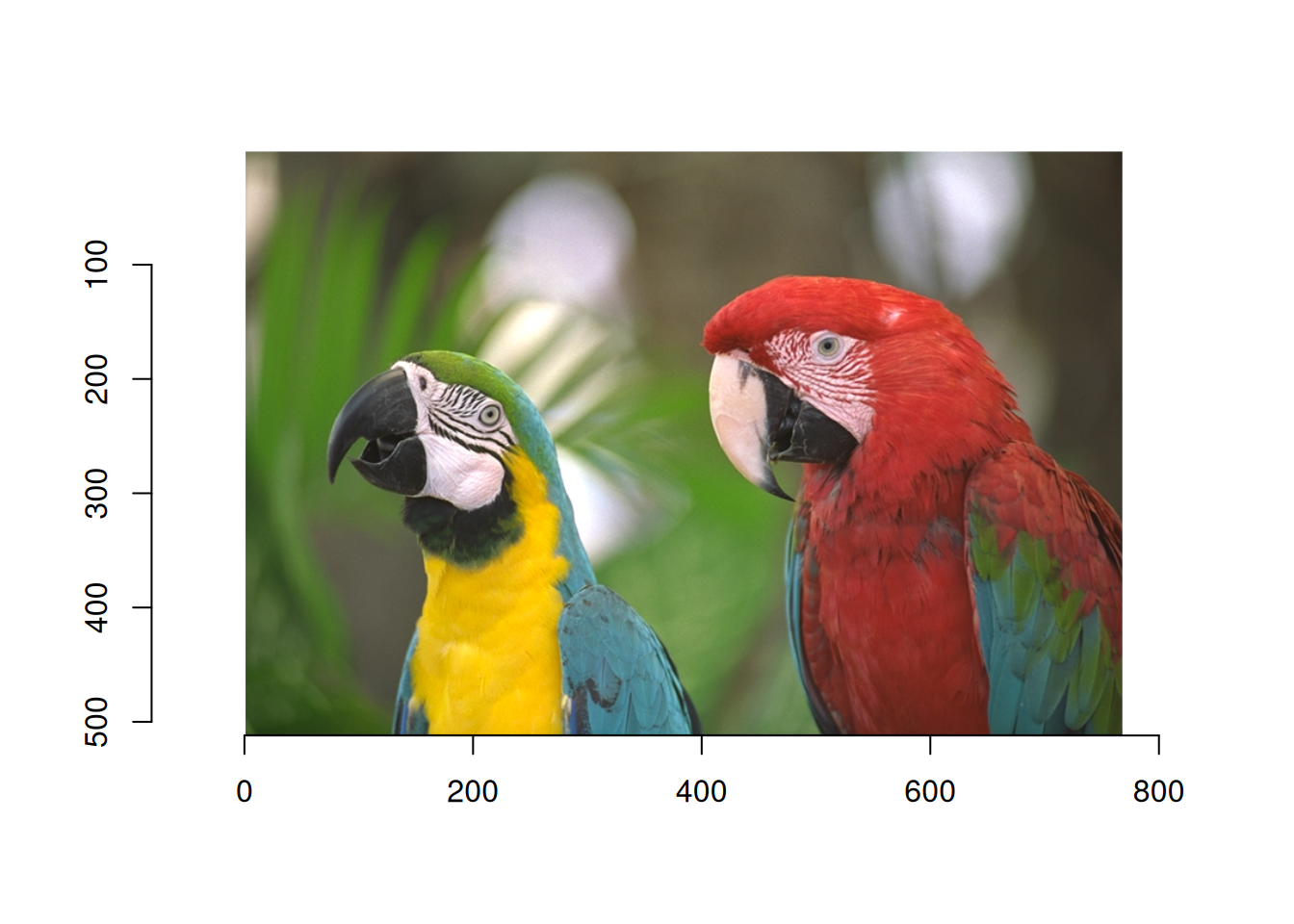
Use load.dir() to load multiple images at once.
dir <- system.file('extdata/', package = 'imager')
list_img <- load.dir(dir)
plot(list_img)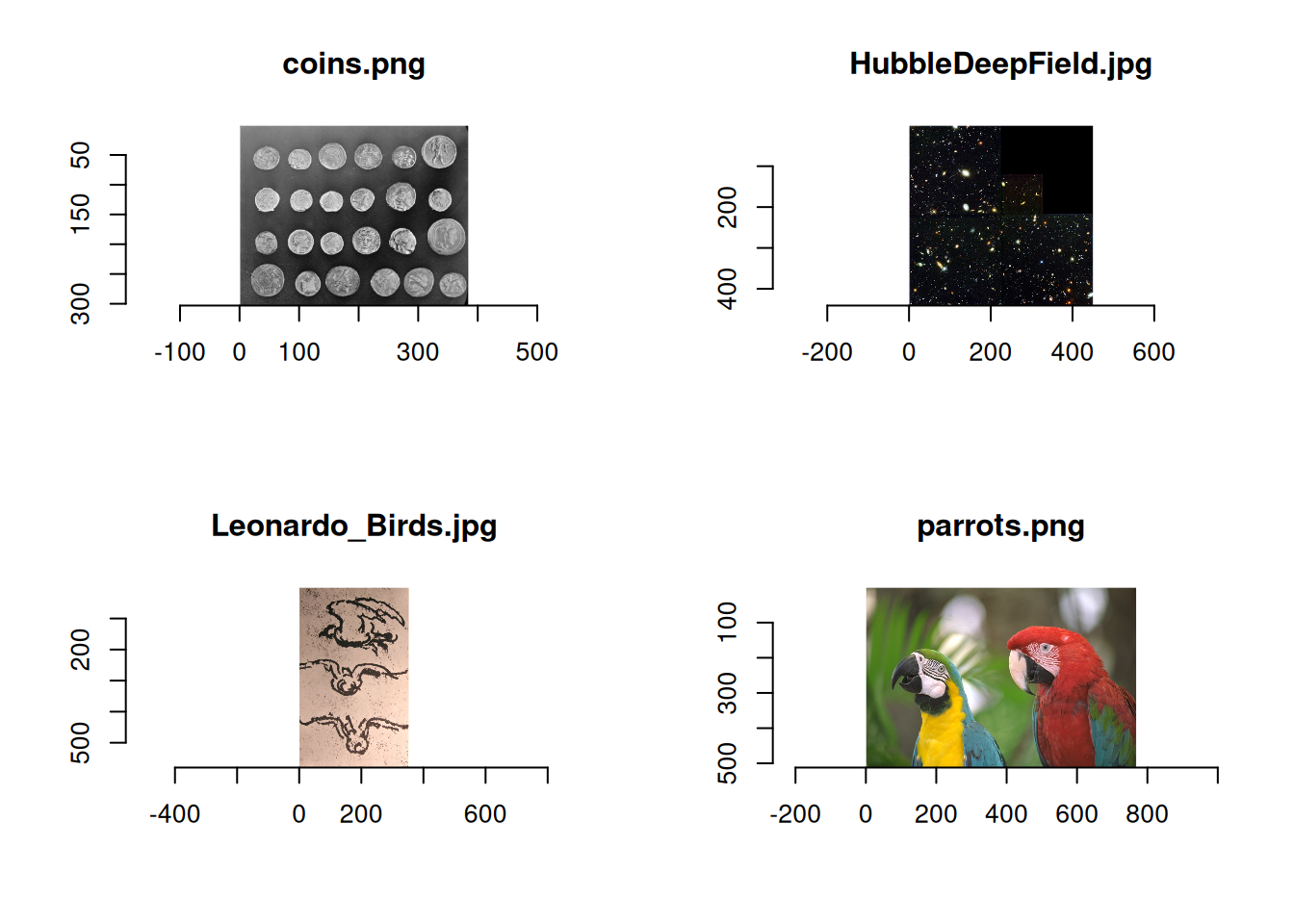
When displaying your own image rather than a sample, specify the appropriate path and it should load correctly. The same applies to load.dir().
file <- "/imagefile/hoge.jpg"
img <- load.image(file)
There are also dedicated functions for loading sample images.
# sketch of birds by Leonardo, from Wikimedia
plot(load.example("birds"))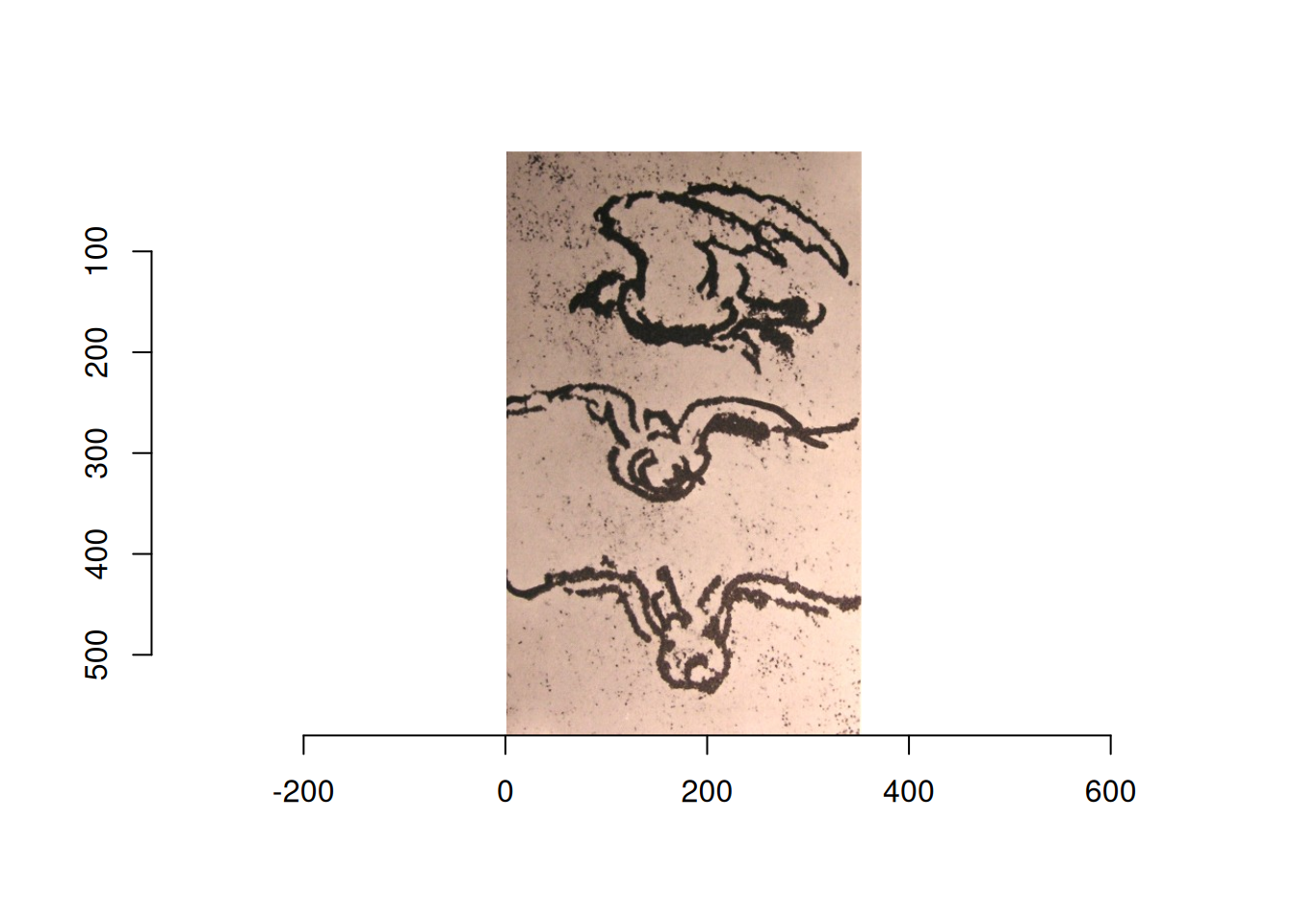
# Parotts from Kodak
plot(load.example("parrots"))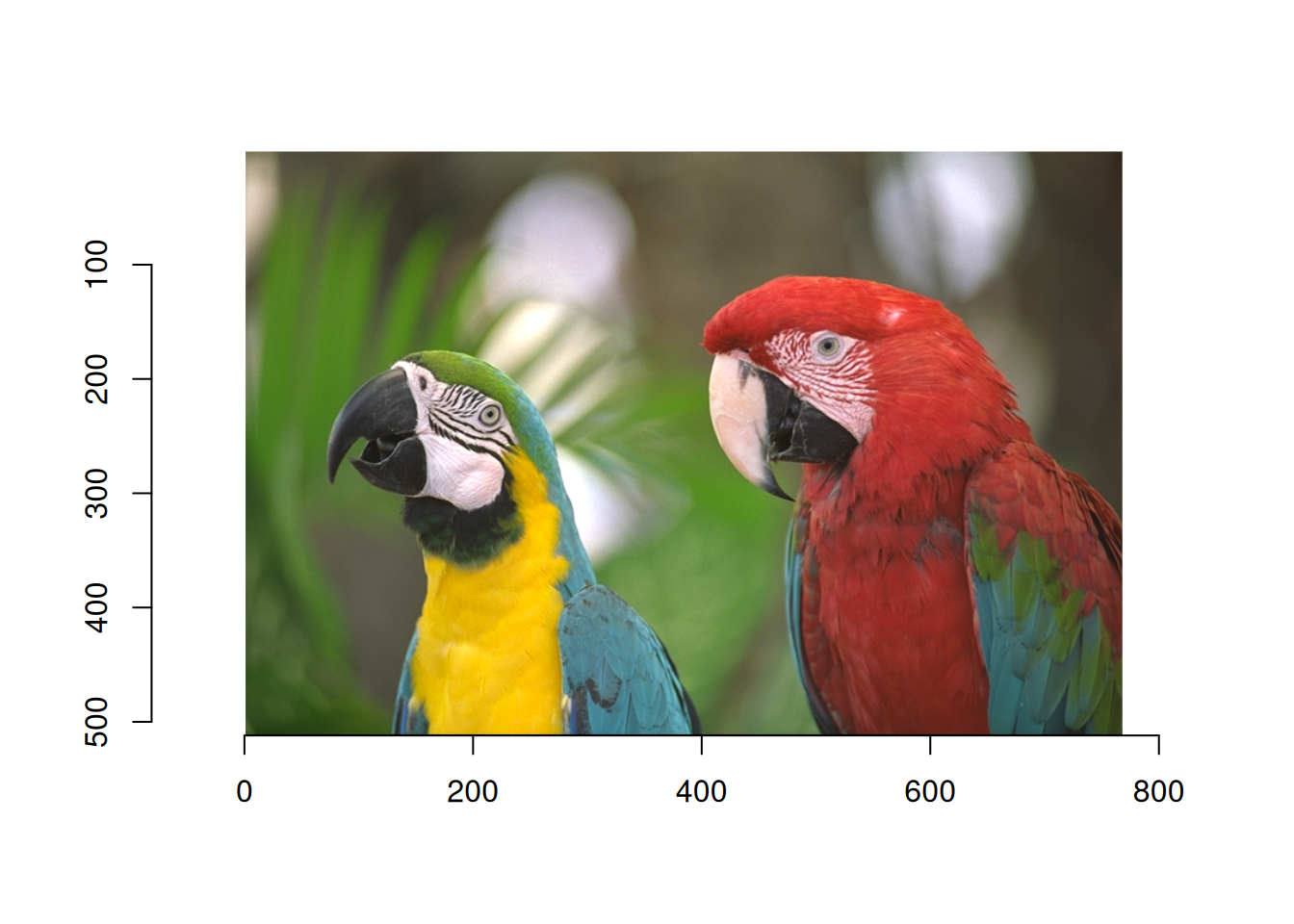
# The "coins" image comes from scikit-image.
plot(load.example("coins"))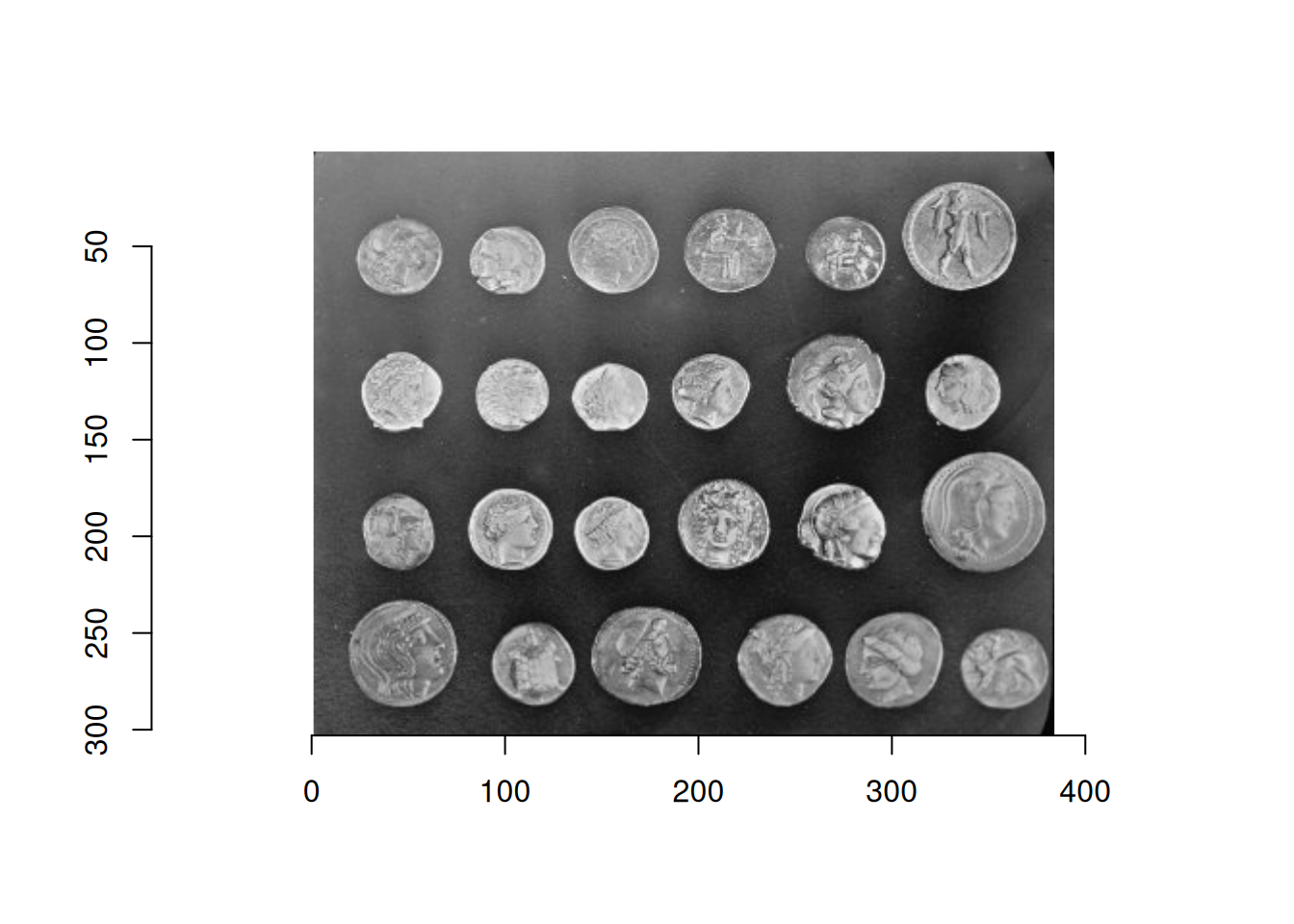
# The Hubble Deep field (hubble) is from Wikimedia.
plot(load.example("hubble"))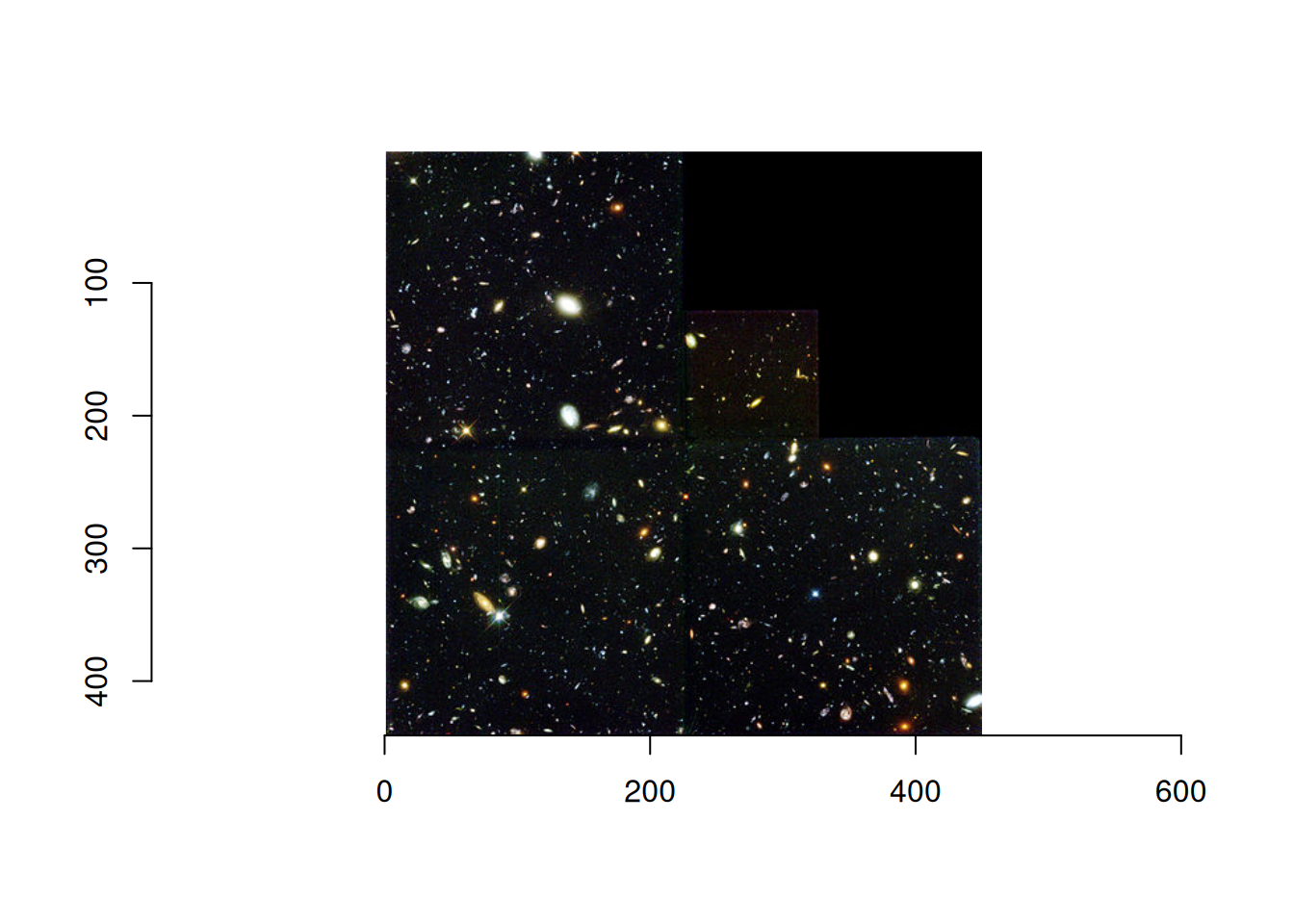
# Boats from Kodak
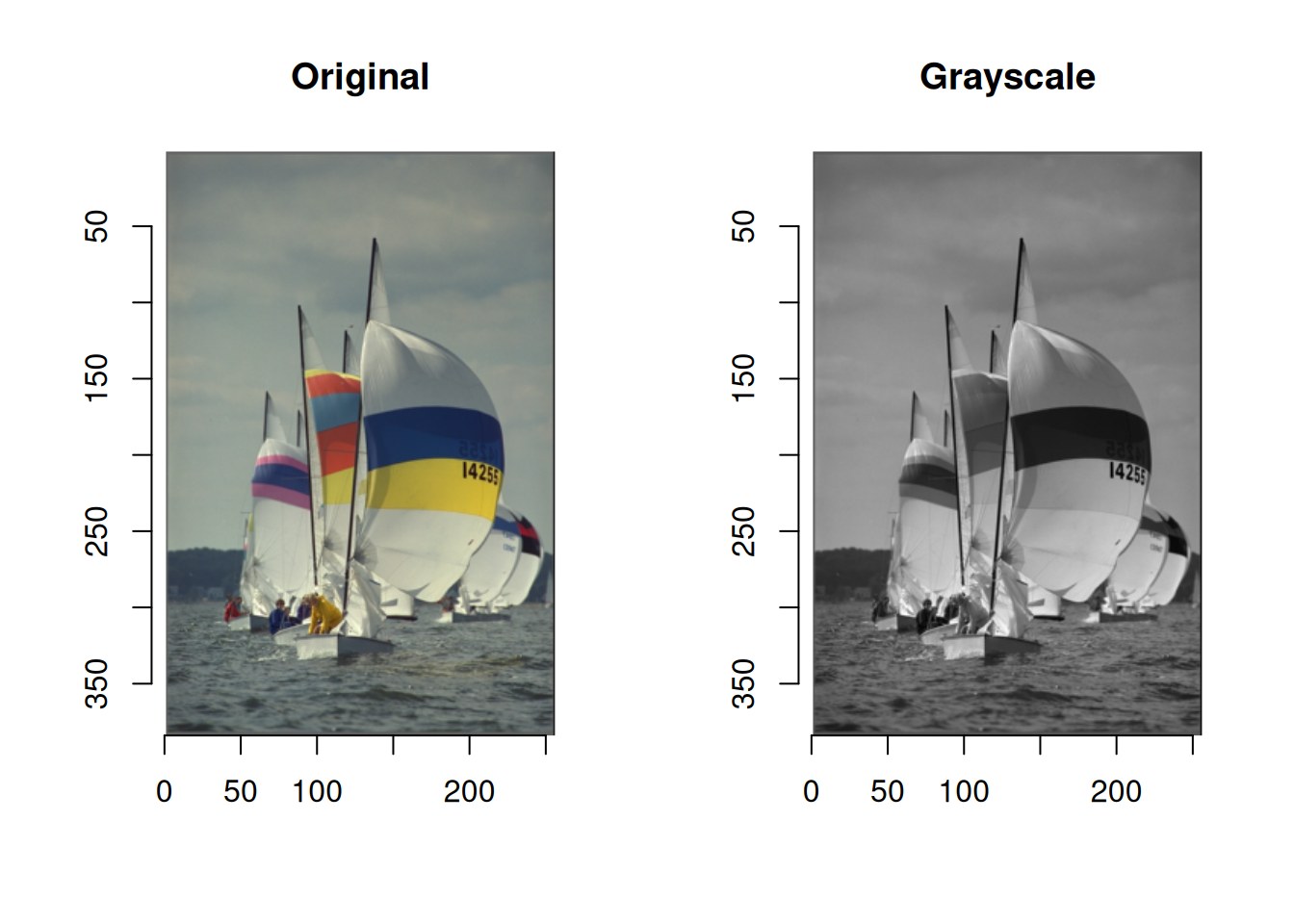
plot(boats)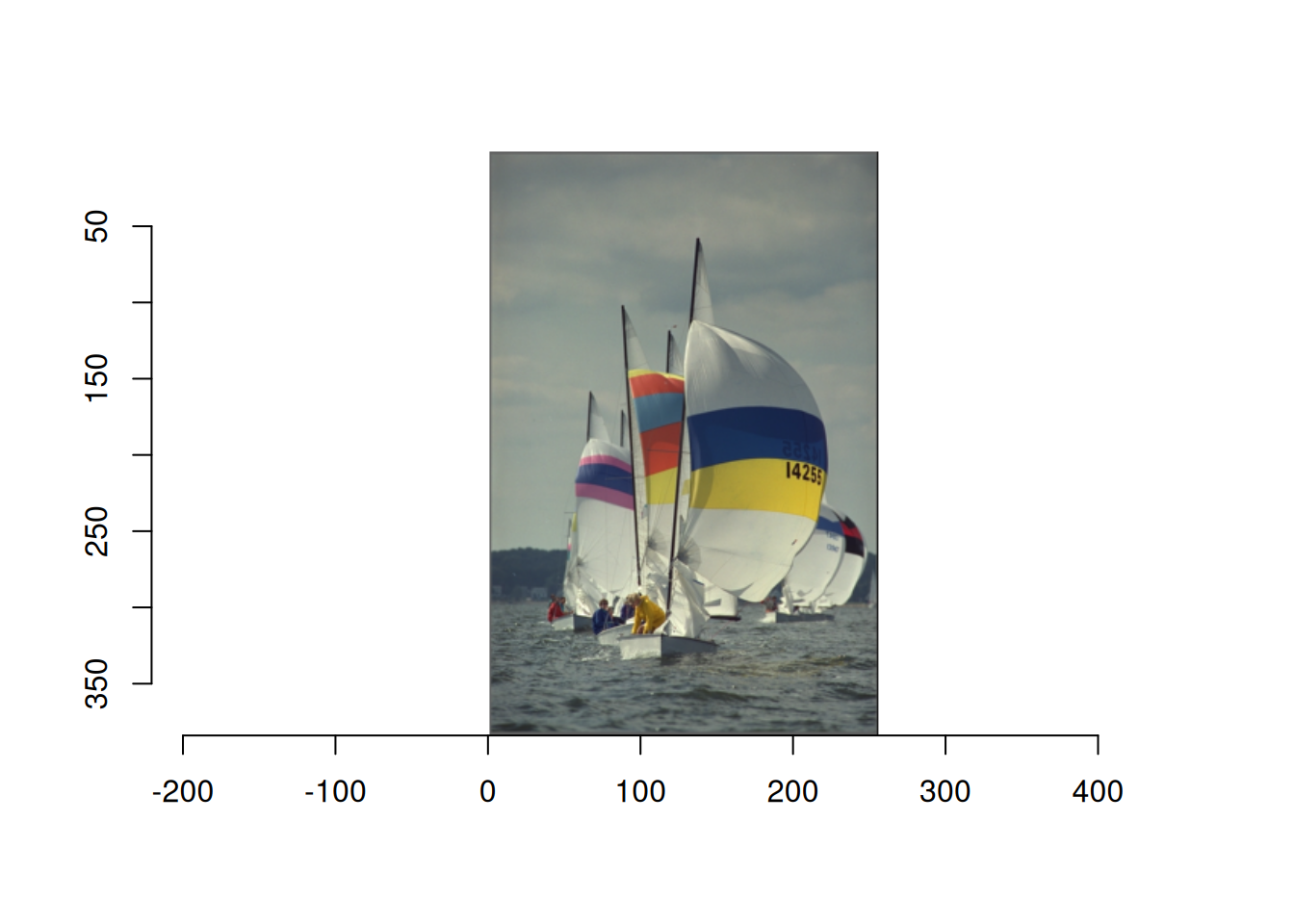
Only boats can be loaded directly. When you want to try something quickly, boats is convenient.
Checking Image Information
Images are stored in the cimg format. If you type the object directly in the console, basic information is printed.
boatsImage. Width: 256 pix Height: 384 pix Depth: 1 Colour channels: 3 boats is a normal image with width 256 pixels, height 384 pixels, depth 1, and 3 channels.
Here, depth refers to frames. For a video, images appear as a sequence, so the depth corresponds to the number of frames.
The number of channels is 3 for a color image, meaning RGB, and 1 for a grayscale image.
Grayscale Conversion
Grayscale conversion can be done easily with grayscale().
The second argument is method. The default is "Luma", which converts to grayscale using a linear approximation of luminance. Another option is "XYZ", in which case the image is assumed to be in the sRGB color space and CIE luminance is used. If you do not have a particular reason to choose otherwise, leaving it omitted is fine.
The third argument is surprisingly important. It is drop = TRUE. When it is TRUE, the image is output with one channel. When it is FALSE, the image is converted to grayscale while keeping three channels. If you want to add color later, FALSE may be useful. In most cases, the default should be fine.