Drawing a Map of Japan in R
Original Japanese version: Rで日本地図を描く
Installing and Loading Packages
install.packages("rnaturalearth")If you use renv, install it with the following command.
renv::install("necountries")Then load the package.
Drawing a Map of Japan
To draw the map, the rnaturalearthdata package is also required. The following code obtains and draws a map of Japan.
install.packages("rnaturalearthdata")
renv::install("rnaturalearthdata") # when using renv
It should work without explicitly loading the library, but I load it just in case.
Attaching package: 'rnaturalearthdata'The following object is masked from 'package:rnaturalearth':
countries110Use the ne_countries() function to obtain map data for Japan, then draw it with plot().
japan <- ne_countries(
  scale = "medium",
  country = "Japan",
  returnclass = "sf"
)
plot(japan["geometry"])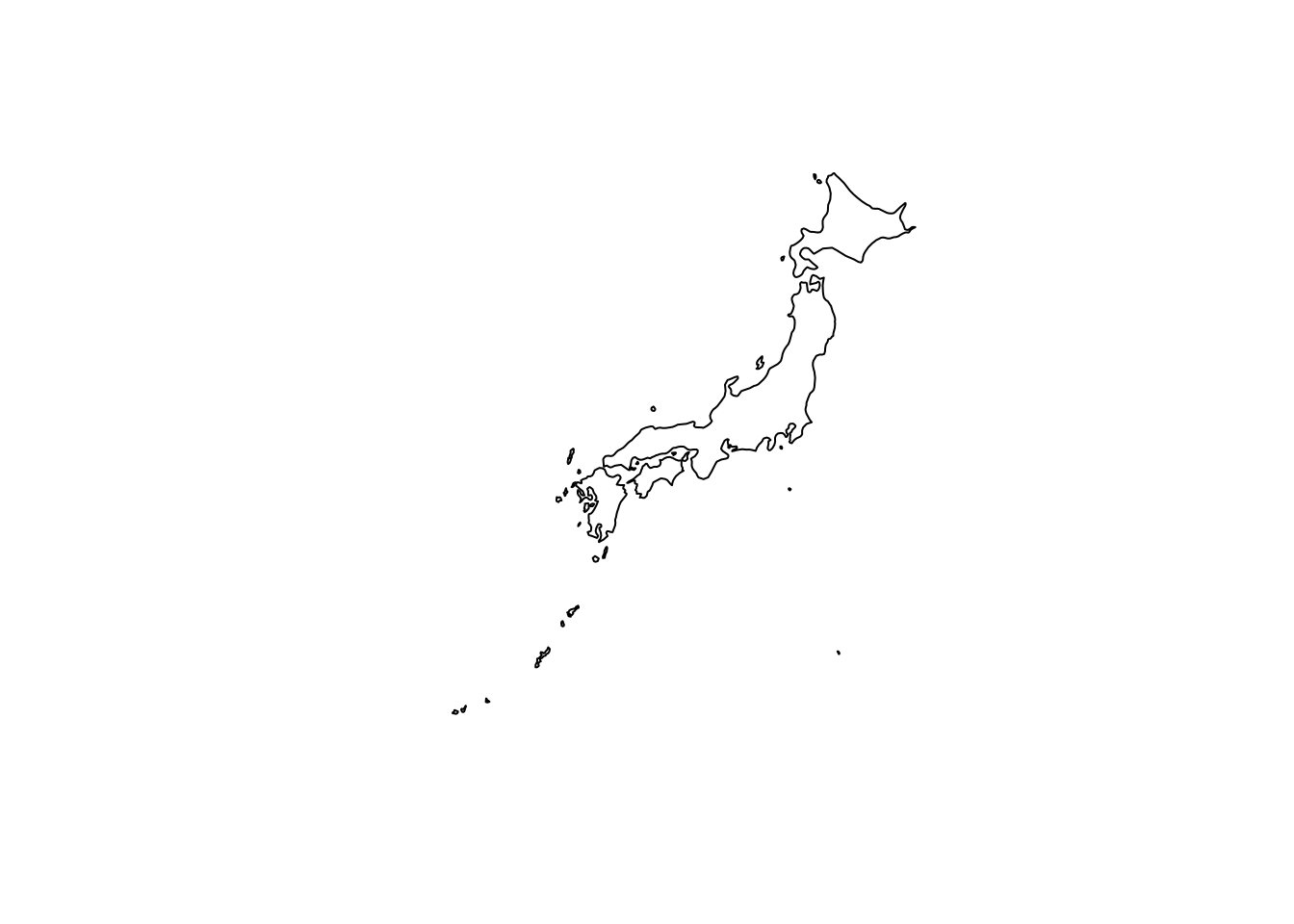
The arguments are set as follows.
-
scale = "medium": obtains medium-resolution map data.smallandlargeare also available. -
country = "Japan": specifies map data for Japan. -
returnclass = "sf": returns the map data as an sf object.
This lets you draw a map of Japan using R. Customize the map style and details as needed.
For details on the ne_countries() function, see the official documentation.
Drawing a Prefecture-Level Map of Japan
To draw a prefecture-level map of Japan, use the rnaturalearthhires package. Install it from GitHub or R-universe.
It seems that the package cannot be installed from CRAN because its size exceeds the recommended CRAN limit.
remotes::install_github("ropensci/rnaturalearthhires")Or install it with the following code.
install.packages(
  "rnaturalearthhires",
  repos = "https://ropensci.r-universe.dev",
  type = "source"
)
If you use renv, install it with the following command.
renv::install("ropensci/rnaturalearthhires")Load the package.
Obtain a prefecture-level map of Japan and draw it.
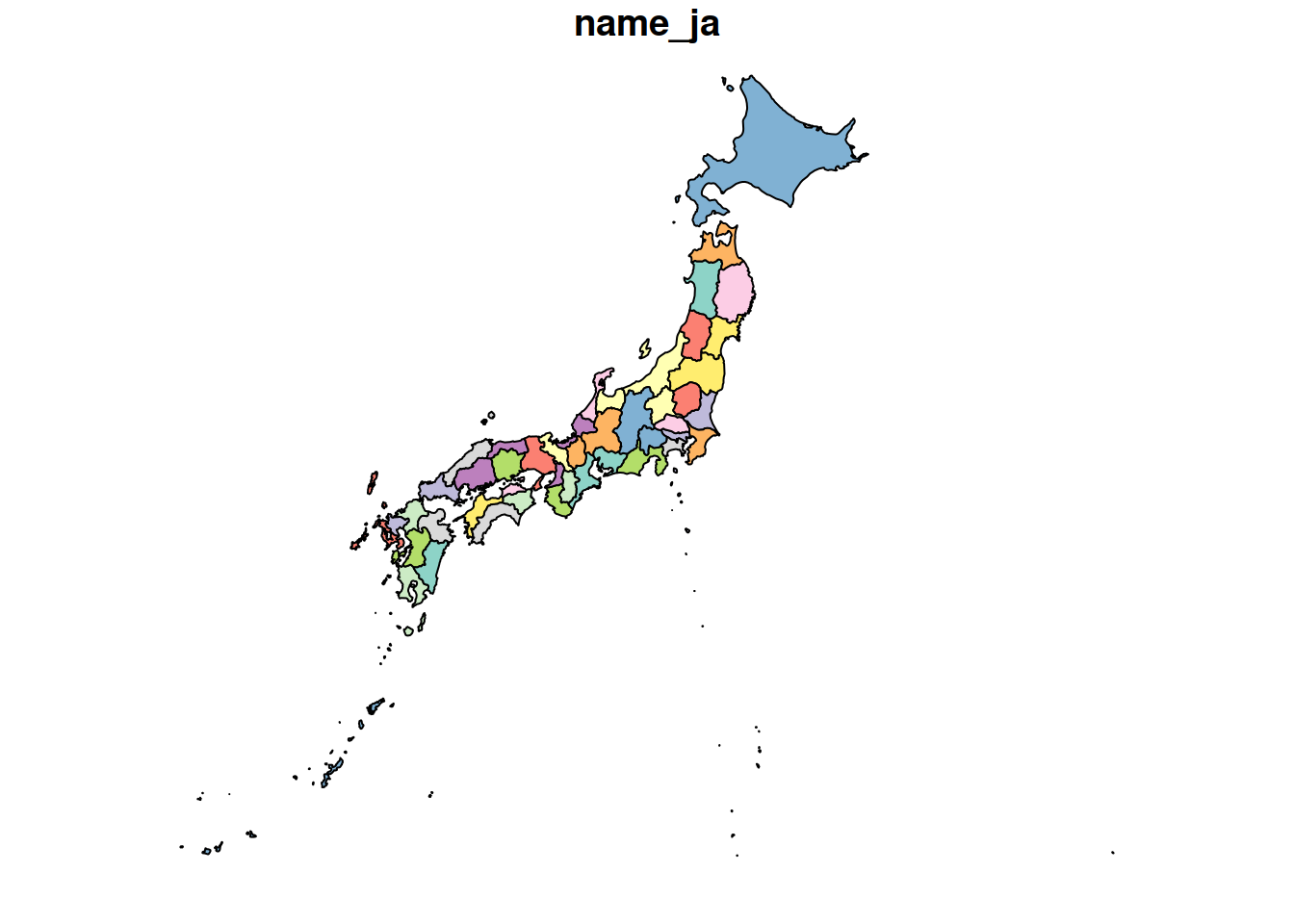
The coastline is drawn neatly as well.
For details on the ne_states() function, see the official documentation.